
See it from a driver's perspective
See how driver charging works in ChargeControl
Choose a time with our team and focus on the driver experience, from charging to reimbursement.
Schedule a demoFor drivers
See your sessions, reimbursement status, and support options in one place, whether you charge at home, work, or on the road.
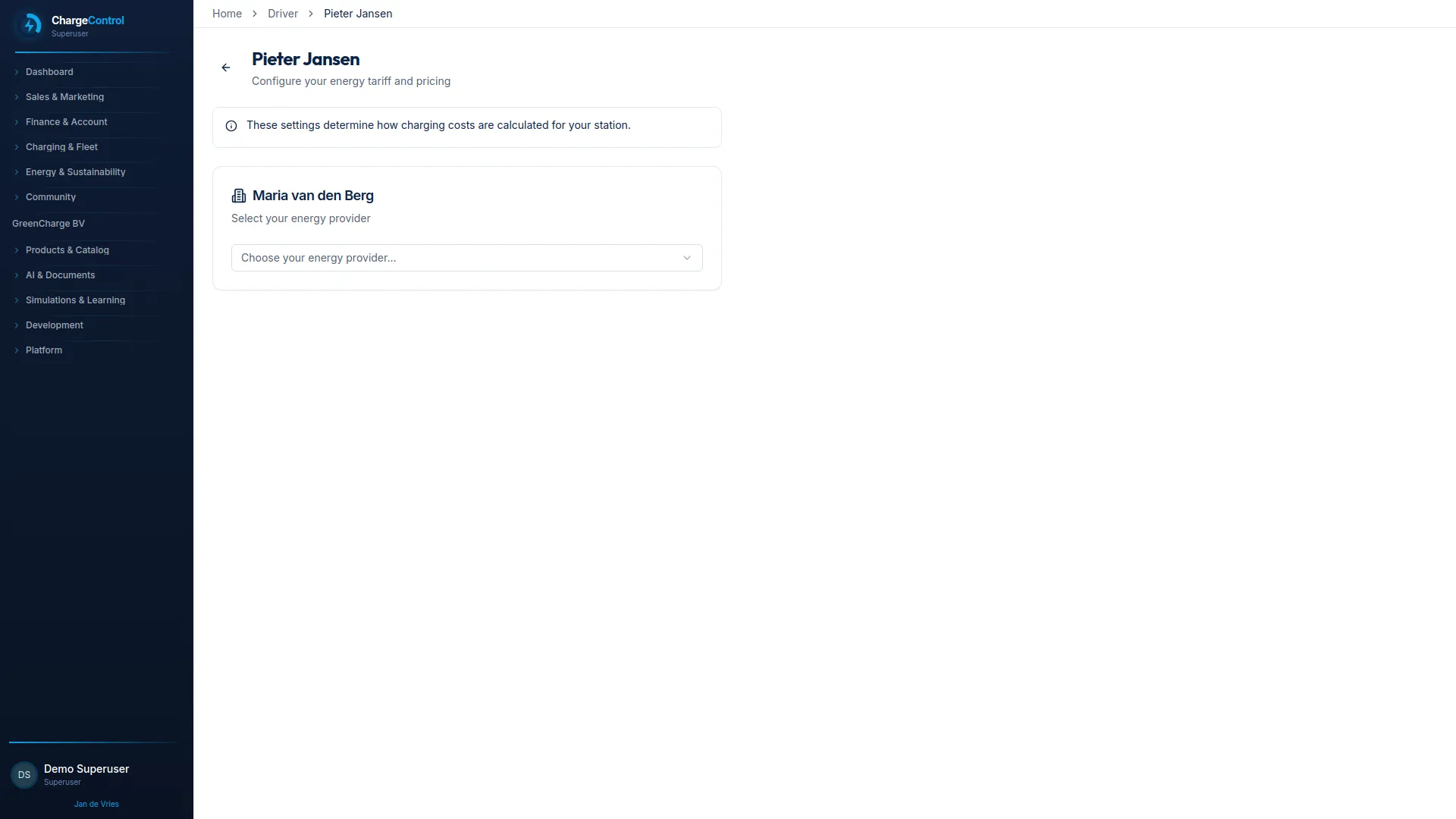
Drivers often charge in more than one place, but rarely get a clear answer about what happens to costs afterward. ChargeControl captures sessions across home, workplace, and public charging automatically, so reimbursement through ChargeBack does not depend on manual reporting.
When something looks off, drivers can flag it and move on, instead of chasing down status through multiple channels.
Drivers often charge in multiple places, but rarely have a clear view of what happens to costs and reimbursement afterward.
It is often hard to tell whether a charging session has been reimbursed or is still pending.
Home, workplace, and public charging each work differently, with no shared view for the driver.
Some setups still expect drivers to report sessions or costs manually.
Simple questions about status or eligibility can take longer than they should to resolve.
A predictable path from charging to reimbursement, without extra reporting.
Sessions are captured automatically across home, workplace, and public charging.
Charging data is recorded without the driver needing to log anything manually.
See session and reimbursement status without contacting support for routine updates.
Eligible sessions move into settlement and reimbursement automatically.
Flag a missing or incorrect session so it can be resolved quickly.
The parts of ChargeControl that shape a driver's day-to-day charging experience.
Automates reimbursement for home and workplace charging sessions.
Shows charging activity and reimbursement status without extra reporting.
Reflects site or home energy constraints that may affect charging speed or timing.
Connects drivers to the right support path when something needs attention.
A ChargeControl view that keeps sessions, cost signals, and reimbursement status together for drivers.
See charging sessions across home, work, and public locations without switching tools.
Track whether a session has been settled or is still pending.
Reach the right support path when a session needs attention.
Most driver-facing setup happens once, during onboarding, not for every session afterward.
Drivers get access to session and status information as part of onboarding.
Home and workplace chargers are connected so sessions capture automatically.
Drivers learn what is eligible for reimbursement and under what rules.
Drivers know where to go when a session or reimbursement needs a closer look.
ChargeBack automates reimbursement from session data, but timing follows your employer's settlement schedule and policy.
Session capture works across all three, though the setup and policy may differ depending on your employer's configuration.
You can flag it so it can be reviewed and resolved rather than left unresolved in reimbursement.
Yes, in some cases. Site or home energy limits can affect timing or speed, depending on how energy management is configured.
You can see your own session activity and reimbursement status. Exact detail depends on your employer's ChargeControl configuration.
Support routing is set by your employer during implementation, so the right contact depends on your organization's setup.
See it from a driver's perspective
Choose a time with our team and focus on the driver experience, from charging to reimbursement.
Schedule a demoPrefer a conversation?
Tell us about your driver charging setup and we will follow up with the right ChargeControl specialist.
Request a callbackWe respect your privacy. No spam, ever.